Features |
Home > Features |
| Features | Home > Features |
What is JiShop
JiShop is a powerful electronic dictionary designed to provide comprehensive information about the Chinese characters used in Japanese, known as kanji.
JiShop differs from other electronic kanji dictionaries by its original look-up
system, which fully employs the advantages of a computer. There are no key elements
in JiShop; all radicals (634 versus traditional 214)
are treated equally (read more...)
Features and screenshots
The look-up system used in JiShop provides multi-radical search based on the scrollable table of 634 kanji radicals. Left-click on a radical to select it for search.
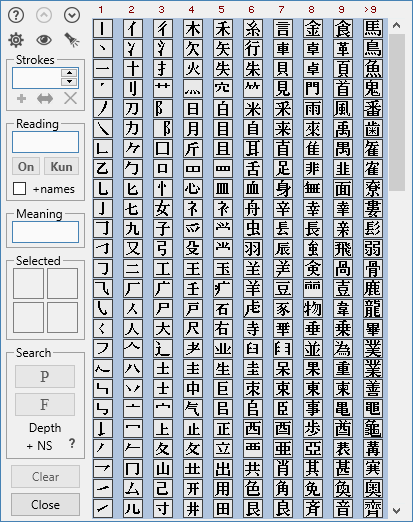 |
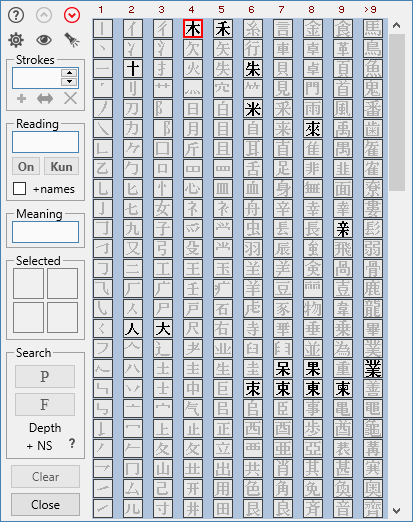
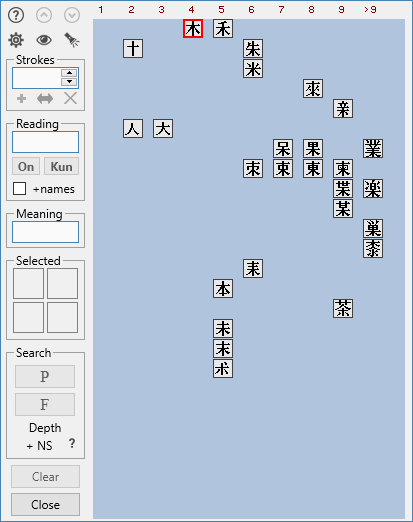
To make navigation through the table simple and quick, the options of highlighting and compression are provided. Right-click on a radical to highlight radicals relevant to it. Right-click again or press the spacebar to compress.
| Highlighting |
 |
| Compression |
 |
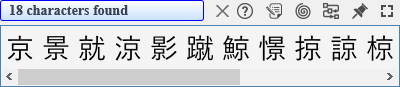
You can search for a kanji by selecting all or some of its radicals from the table. There are two modes of search, and a number of additional settings.
 |
 |
| Search results |
 |
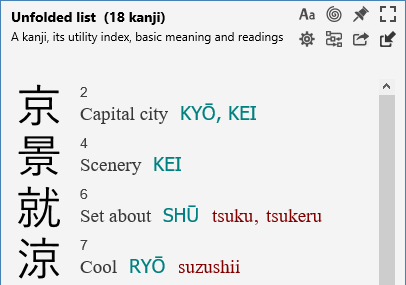
| Unfolded list of search results |
 |
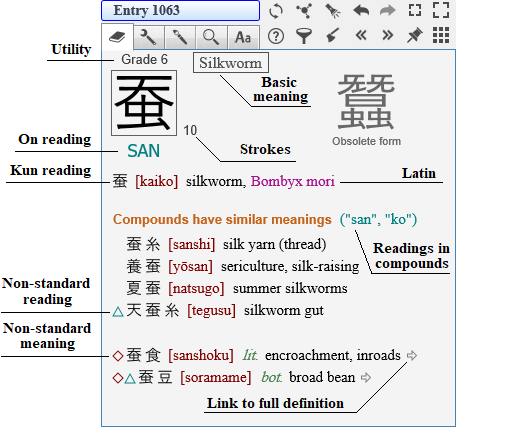
| Dictionary entry |
 |
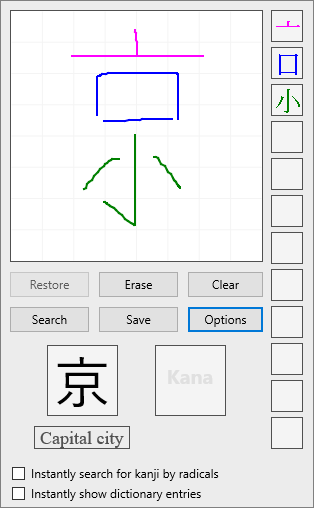
Another way to look up a kanji is drawing it in JiPad written input tool.
 |
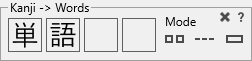
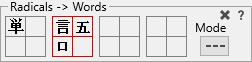
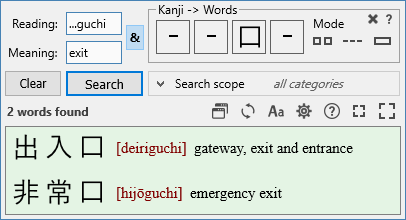
JiShop also contains a phonetic dictionary, i.e. a dictionary of Japanese words. The kanji compounds it stores are used in kanji dictionary entries, to illustrate the usage of characters. The phonetic dictionary can be also used independently to find words by their reading, meaning. or kanji writing.
| Search for words by kanji |
 |
| Search for words by radicals |
 |
| Phonetic dictionary |
 |
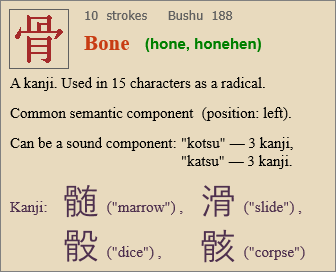
JiShop provides detailed information about each kanji radical.
 |
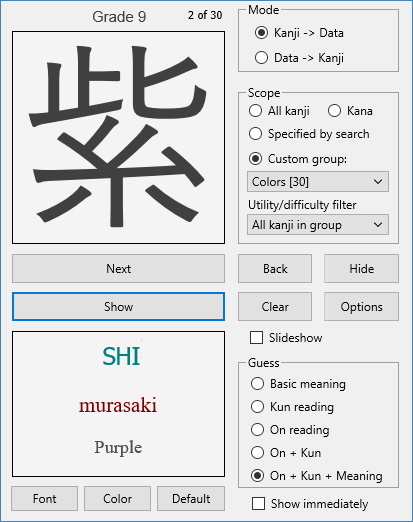
With Flashcards, you can check your knowledge of kanji, kana or words.
 |
Other features:
- Search for kanji by reading, meaning or number of strokes;
- Full decomposition of a kanji;
- Stroke-order diagrams;
- Kanji magnification;
- Custom flashcard groups of kanji or words;
- 20 grades of kanji utility;
- Various settings and customization options;